Dynamic Personas: How to Clone Your Real Customers with AI
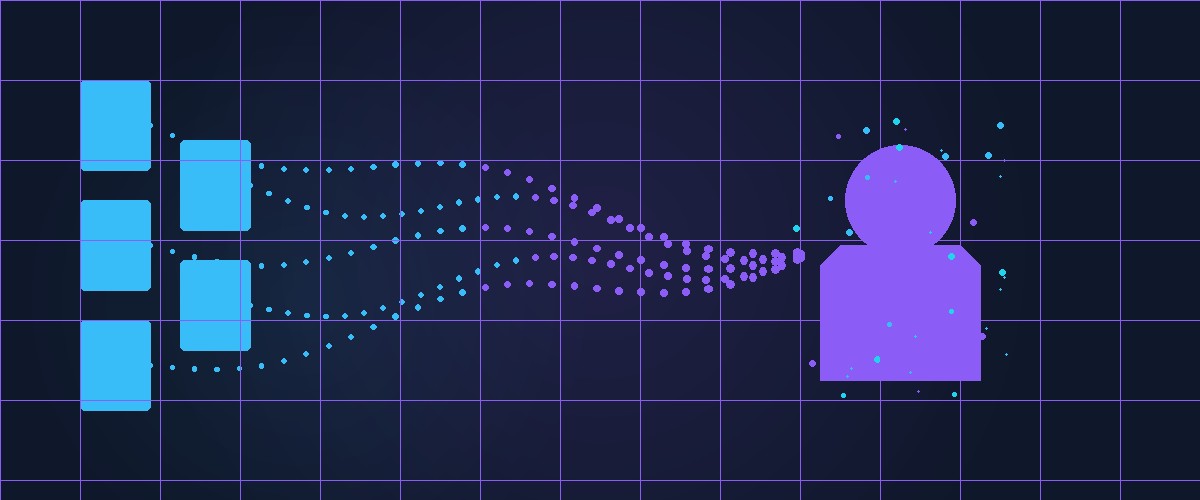
Manual persona creation is powerful, but it relies on your assumptions about who your customers are. Dynamic personas flip this: you upload real customer data and the AI figures out the personality traits, speaking patterns, and beliefs for you.
The result is a synthetic persona that sounds like your actual customers — because it was built from their words.
What are dynamic personas?
A dynamic persona starts blank. No name, no OCEAN scores, no biases. You create it by uploading documents: interview transcripts, support tickets, product reviews, survey responses, or even audio and video recordings.
Synthicant's AI analyzes each document and extracts:
- OCEAN personality scores with confidence levels
- Demographics inferred from context
- Cognitive biases detected in language patterns
- Speaking style — vocabulary, sentence structure, tone
- Beliefs and values — what they care about and why
- Direct quotes — actual phrases that capture their voice
As you upload more documents, the persona becomes more refined. Confidence-weighted averaging ensures that documents with clearer personality signals have more influence than ambiguous ones.
The upload pipeline
Here's what happens when you upload a file:
Text and documents (.txt, .csv, .pdf, .docx)
- PII redaction — Microsoft Presidio strips names, emails, phone numbers, and other personal data
- Text chunking — Long documents are split into manageable segments
- Embedding — Each chunk is converted to a vector using Google Gemini embeddings
- Storage — Vectors are stored in the persona's isolated namespace
- Analysis — The AI extracts personality traits, speaking style, and beliefs
Media files (.png, .jpg, .mp3, .wav, .mp4, .mov)
- Description — Google Gemini Flash generates a detailed text description of the media content
- Embedding — The description is embedded as text
- Storage — Stored with media type metadata for accurate retrieval
No unredacted text ever reaches the AI or the vector database. This is a hard architectural constraint, not a setting you can toggle.
How analysis works
When you upload a document to a dynamic persona, Synthicant runs a structured analysis using Claude. The analysis extracts:
Personality signals:
"The speaker repeatedly qualifies statements with 'I'm not sure but...' and 'maybe this is wrong, but...' — suggesting high neuroticism (7/10, confidence 0.8) and moderate conscientiousness (6/10, confidence 0.6)."
Speaking style:
"Short sentences. Frequent use of industry jargon. Tends to lead with conclusions, then justify. Avoids hedging except on technical claims."
Beliefs:
"Strong belief that automation should replace manual processes. Skeptical of AI-generated content but open to AI-assisted workflows. Values transparency in pricing."
Quotes:
"I don't want another tool that promises to save time and then takes three weeks to set up."
Each extraction includes a confidence score. When multiple documents contribute to a persona, the final OCEAN scores are confidence-weighted averages — a document where the AI is 90% confident about extraversion has more influence than one where it's only 40% confident.
When to use dynamic vs. manual personas
Use manual personas when:
- You're exploring a new market segment you haven't talked to yet
- You want to test extreme personality types (the ultra-skeptic, the impulse buyer)
- You need quick, hypothesis-driven research
- You're testing messaging against demographic archetypes
Use dynamic personas when:
- You have existing customer data (interviews, support tickets, reviews)
- You want personas grounded in real language and real concerns
- You need to represent a specific customer segment accurately
- You're preparing for customer calls and want to practice against realistic objections
A practical example
Say you're a B2B SaaS company that just completed 10 customer interviews. You have the transcripts.
- Create a dynamic persona called "Enterprise Buyer Composite"
- Upload all 10 transcripts
- The AI analyzes each one, extracts personality signals, and aggregates them
- You now have a persona that represents the average personality, concerns, and communication style of your interviewed customers
Now you can:
- Test new feature messaging against this persona
- Practice your sales pitch and get realistic objections
- Evaluate pricing changes from the perspective of your actual customer base
- Prepare for your next round of real interviews with better questions
The persona won't be identical to any single customer. It's a composite — a statistical representation of the personality patterns in your data. But it will sound like your customers because it was trained on their words.
Data isolation
Every persona has its own isolated vector namespace. Documents uploaded to one persona are never accessible to another. If you create "Enterprise Buyer" and "SMB User" as separate personas, their data never mixes.
This also means you can safely upload competitive intelligence to one persona and customer support data to another without cross-contamination.
Getting started
- Click + Dynamic Persona from your dashboard
- Upload 3-5 documents (more data = more accurate persona)
- Wait for the analysis to complete (usually under a minute)
- Review the extracted personality profile
- Start interviewing
The more diverse your source documents, the richer the persona. A single survey response gives you a thin persona. Ten interview transcripts, five support tickets, and three product reviews give you a persona that genuinely mirrors a customer segment.
Upload your first customer document and create a dynamic persona in under 5 minutes. Start your free trial.